What Is a Photo Generation Prompt?
A prompt is simply the text instruction you give an AI model to generate an image. Think of it as directing a photographer—except the photographer is artificial intelligence.
A basic prompt might look like:
“A sunset over mountains”
But a strong prompt goes much further:
“A cinematic sunset over snow-capped mountains, golden hour lighting, ultra-realistic, shot with a 50mm lens, high dynamic range”
The difference in results can be dramatic.
Key Elements of a Great Prompt
To get the best results, your prompt should include several important components:
1. Subject
Clearly define what you want in the image.
- A person, object, landscape, or concept
- Example: “A young woman reading a book”
2. Style
Specify the artistic direction.
- Realistic, cinematic, watercolor, digital art, anime, etc.
- Example: “in a soft watercolor style”
3. Lighting
Lighting dramatically affects mood and realism.
- Golden hour, studio lighting, neon glow, dramatic shadows
- Example: “warm golden hour lighting”
4. Camera Details (Optional but Powerful)
Mimicking photography terms improves realism.
- Lens type, depth of field, focus
- Example: “shot on 85mm lens, shallow depth of field”
5. Environment / Background
Where is the scene taking place?
- Indoors, outdoors, futuristic city, beach, forest
- Example: “in a cozy café with wooden interiors”
6. Mood and Atmosphere
Add emotion or tone.
- Calm, mysterious, vibrant, dreamy
- Example: “a calm and peaceful atmosphere”
Example: Basic vs Advanced Prompt
Basic Prompt:
“A cat sitting on a chair”
Advanced Prompt:
“A fluffy orange cat sitting on a vintage wooden chair, soft morning sunlight coming through a window, cozy home interior, ultra-realistic, shallow depth of field, warm tones”
The second version provides context, mood, and visual richness—leading to a much better image.
Prompt Formulas You Can Use
Here are simple templates you can follow:
Formula 1: General
Subject + Style + Lighting + Environment
Example:
“A futuristic city skyline, cyberpunk style, neon lighting, rainy night”
Formula 2: Photography Style
Subject + Camera + Lighting + Mood
Example:
“Portrait of an elderly man, 85mm lens, soft studio lighting, dramatic shadows, highly detailed”
Formula 3: Creative Art
Concept + Style + Color Palette + Emotion
Example:
“A dreamlike floating island, surreal art style, pastel colors, magical atmosphere”
Tips for Better Results
- Be specific: Vague prompts produce generic images
- Use descriptive adjectives: Words like “cinematic,” “ultra-detailed,” or “minimalist” help guide the AI
- Experiment: Small changes can lead to very different outputs
- Layer details gradually: Start simple, then refine your prompt
- Avoid overload: Too many conflicting details can confuse the model
Common Mistakes to Avoid
- ❌ Being too vague (“a nice picture”)
- ❌ Mixing too many styles (“realistic anime watercolor 3D sketch”)
- ❌ Ignoring lighting and mood
- ❌ Expecting perfect results in one try
Final Thoughts
AI image generation is as much an art as it is a tool. The quality of your output depends heavily on how well you can communicate your vision through prompts.
With practice, you’ll learn how to craft prompts that consistently produce stunning, high-quality visuals—whether for blogs, social media, marketing, or personal projects.
Start simple, experiment often, and refine your approach. The more intentional your prompts, the more powerful your results will be.
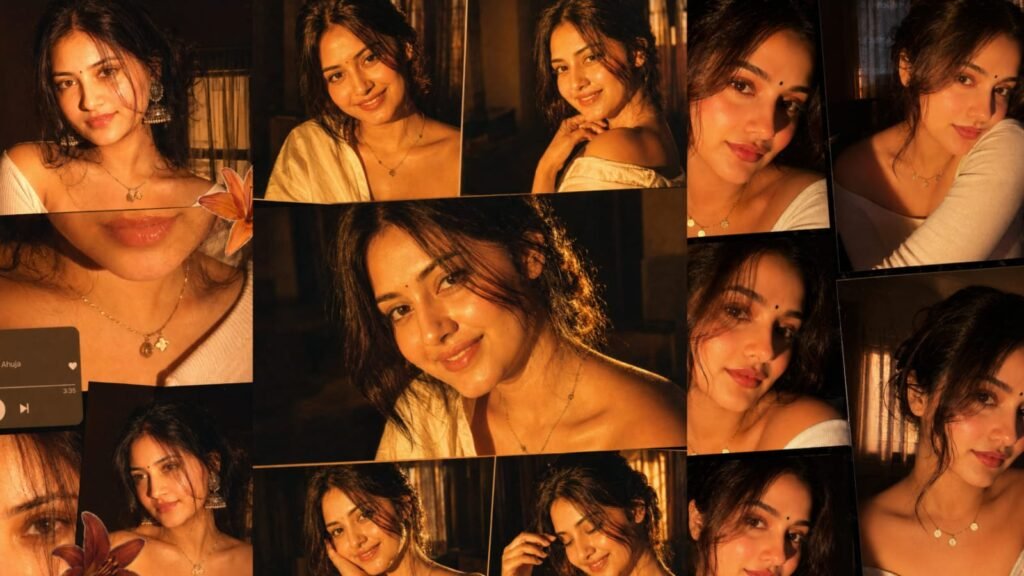
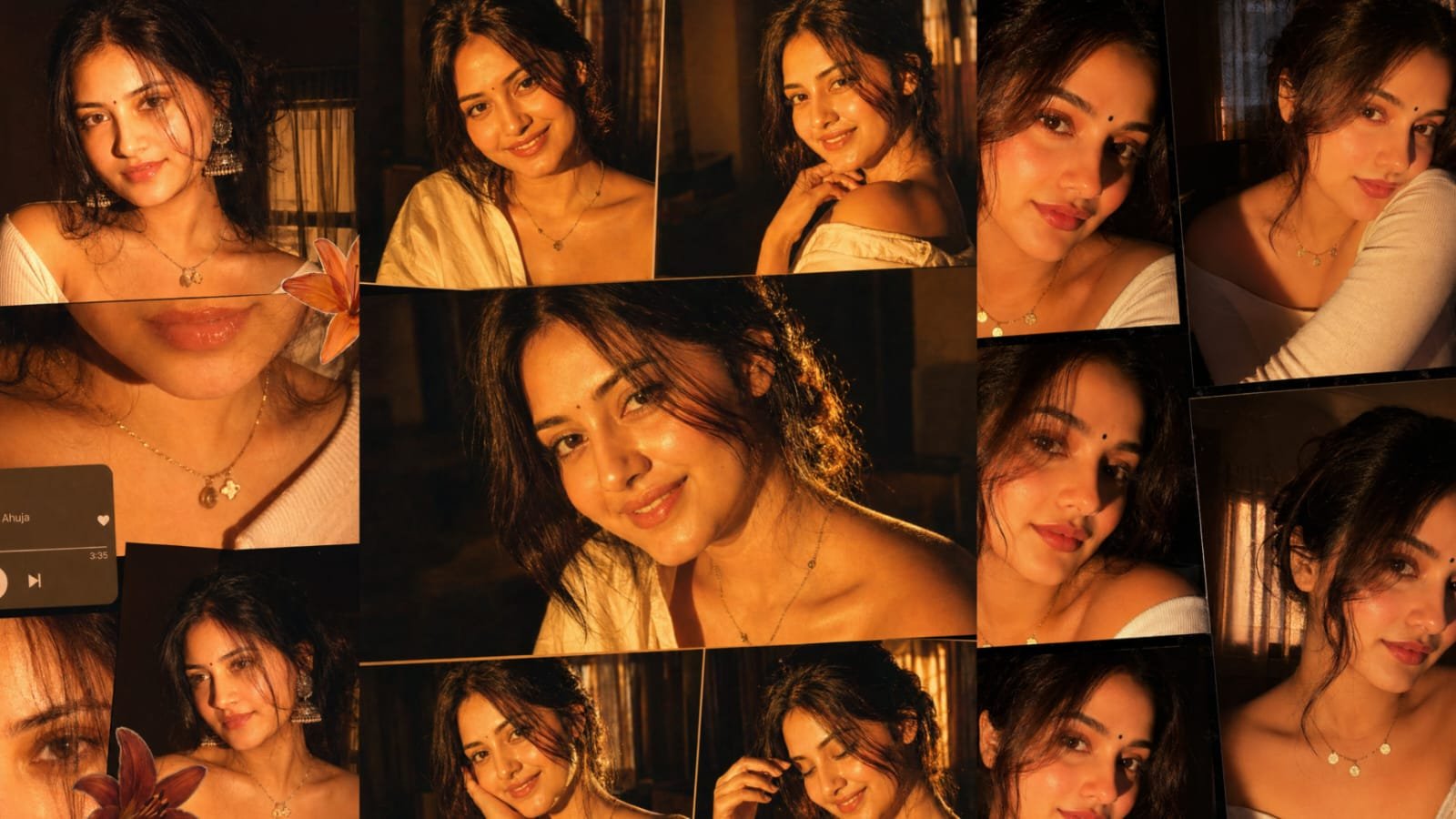
PROMT – Ultra-realistic cinematic collage of a young woman using the uploaded face exactly. The image is composed of multiple rectangular photo panels layered vertically and diagonally, creating a scrapbook-style layout. Each panel shows close-up and mid-shot portraits of the same girl in a dim indoor room. Lighting: strong, warm, golden-orange direct flash lighting hitting the face from the front-left, creating high contrast, deep shadows, and a glowing skin effect. Background remains dark with visible window curtains slightly illuminated. Harsh highlights on cheekbones, nose, and lips. Slight film grain and soft blur for a dreamy vintage feel. Color grading: intense amber, burnt orange, and golden tones dominating the entire image. High saturation, slightly crushed blacks, and glowing highlights. Subject styling: messy tied-back hair with loose strands falling on face, glossy lips, subtle eyeliner, dewy skin. Wearing a delicate necklace with small pendants and a casual off-shoulder white top. Composition details: Top panel: serious expression, looking directly at camera. Middle panel: cropped lips and necklace close-up. Bottom left: extreme close-up of eyes with strong shadow split across face. Bottom right: angled portrait with soft side gaze. Panels overlap slightly with uneven spacing for aesthetic collage look. Overlay elements: Add realistic flower stickers (lilies in orange, cream, and red tones) placed around the collage. Add a music player UI card in the center-left area with a soft rounded design. Music player text: Title: “Khat†Artist: “Navzot Ahuja†Include minimal playback bar and icons (play/pause, skip). Final touches: Slight glow/bloom effect on highlights Subtle vignette around edges Flash photography look, like taken on a digital camera at night Maintain natural skin texture, avoid over-smoothing