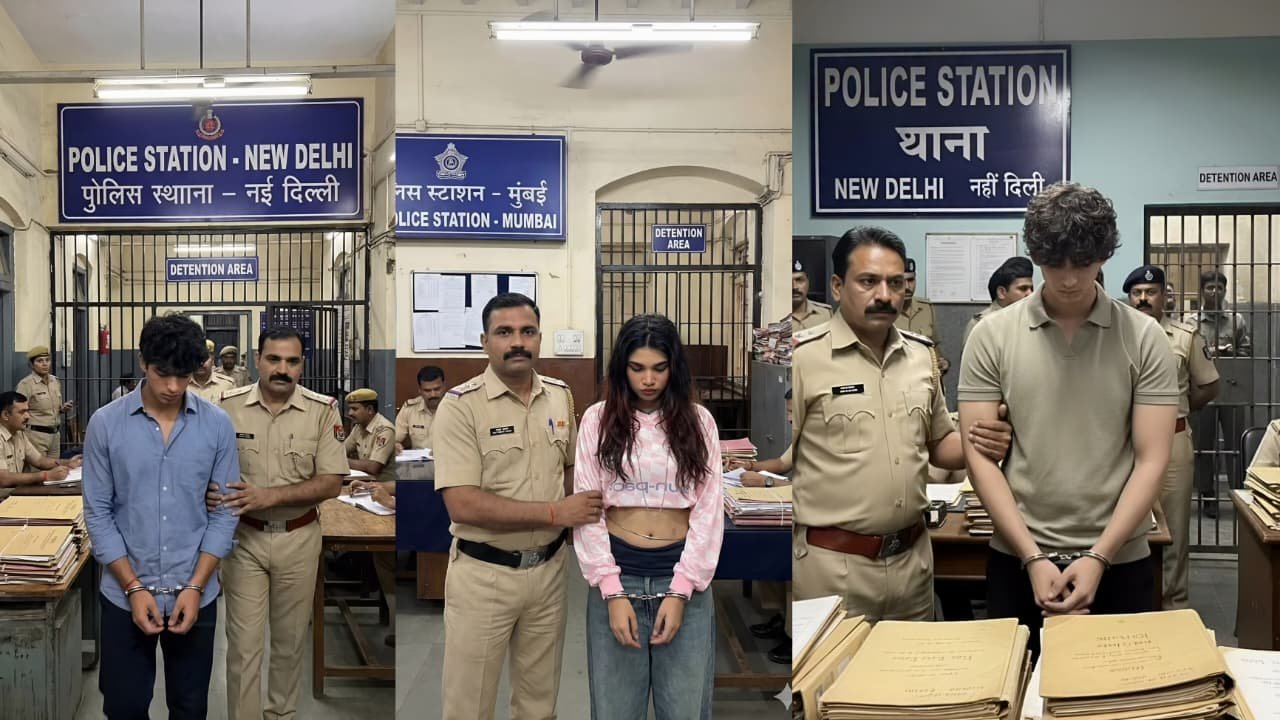
📸 Google Gemini Is Changing Photo Editing
Artificial Intelligence has been reshaping creative tools for years — and in 2025, Google Gemini has firmly stepped into the spotlight as one of the most exciting platforms for photo editing and visual creativity. What was once the domain of complex desktop software like Photoshop is now possible right from a smartphone or browser, simply by using natural language prompts. Let’s explore why Gemini’s photo editing capabilities are trending and how creators everywhere are leveraging them for stunning visual content.
🎨 AI-Powered Editing — No Experience Needed
At its core, Gemini’s photo editing tools let you do amazing things with your images just by describing what you want. Users can:
- Change backgrounds
- Add or remove objects
- Blend multiple photos into one
- Apply creative styles and effects
- Keep faces and features consistent even after dramatic edits
This intuitive, text-based editing means anyone can produce professional-looking visuals without mastering traditional tools — perfect for bloggers, influencers, and everyday social media users alike. blog.google+1
🍌 “Nano Banana” — The Viral Trend You’ve Seen Everywhere
One of the biggest drivers of Gemini’s popularity is a feature nicknamed Nano Banana — an image generation and editing model within the Gemini app that has taken the internet by storm. It produces photorealistic edits and fun transformations that have inspired viral trends online, like:
- Turning yourself into 3D figurines
- Visualizing yourself in different decades
- Creating action-figure versions of people
- Placing yourself inside famous artwork
These creative prompts have helped the app surpass millions of downloads and billions of edited images globally — sparking a new wave of visual trends on platforms like Instagram and X. The Times of India+1
🛠️ What Makes Gemini’s Editing Stand Out
Here are a few of the standout capabilities that make Gemini trending for photo editing:
✅ Multi-Turn Editing
You don’t just give one prompt and stop — Gemini lets you refine the same image step-by-step. Start with a basic edit like changing the background, then go back and tweak the lighting, add new elements, or blend in another photo for a richer composition. Moneycontrol
✅ Style Transfer & Design Magic
Want to apply the texture of a flower petal to a dress or give your photo a vintage film look? Gemini can transfer styles from one image to another — a dream feature for designers and creative storytellers. Moneycontrol
✅ Conversational Editing in Google Photos
Beyond the Gemini app itself, Google Photos now lets users edit pictures using Gemini’s AI by simply tapping “Help me edit” and describing changes in text or voice — further simplifying the editing process. blog.google
🌍 Global Trends and Creative Inspiration
Across social media, people are using Gemini to push creative boundaries:
- Retro Saree Trends that blend nostalgia with cinematic drama. DNP INDIA
- Miniature World Edits where photos take on surreal tiny model-like looks. ET Now
- Futuristic urban transformations with neon, cyberpunk aesthetics. ET Now
These engaging effects make for shareable, eye-catching content — great fodder for blog features, reels, or social posts.
🧠 The Tech Behind It All
Gemini’s image editing isn’t just flashy — it’s built on advanced AI models designed to understand both text and visual context. It uses digital watermarking like SynthID to label AI-edited content transparently, and Google continues adding deeper reasoning and editing accuracy with each update. Android Central
🧩 Use Cases — From Fun to Functional
While most people are using Gemini for creative edits, its AI photo editing is also practical:
- Restore or colorize old photos
- Visualize home renovations
- Create marketing visuals without hiring a designer
- Quickly generate thumbnails or blog images
That versatility is a key reason Gemini’s editing features are trending not just among hobbyists but also professionals and businesses.
📝 Final Thoughts
Google Gemini has turned photo editing into a creative conversation instead of a technical task. By letting users interact with images using plain language and AI assistance, it’s democratizing design and visual storytelling like never before.
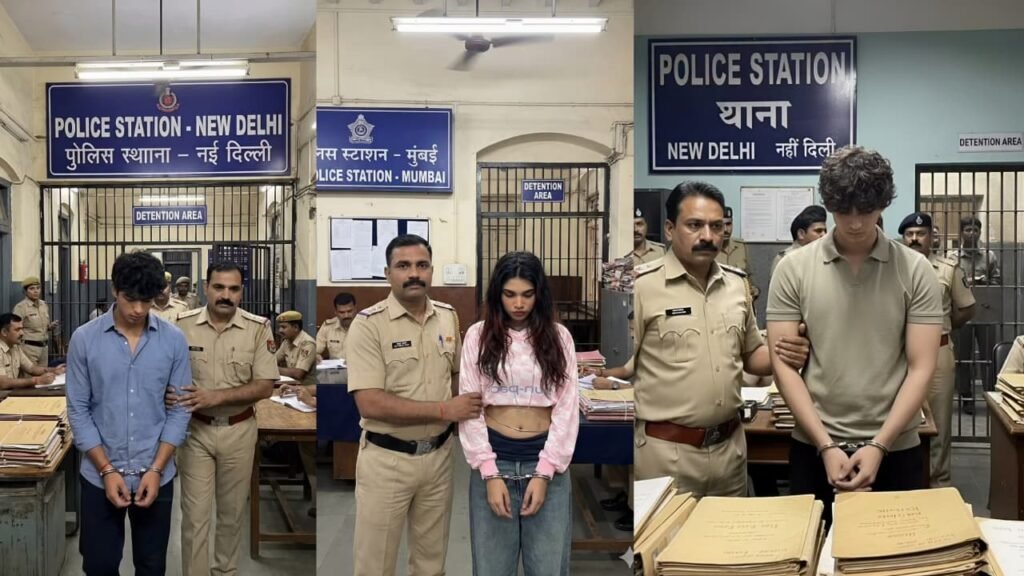
PROMT – A cinematic, ultra-realistic scene inside an Indian police station in New Delhi.
A young man in handcuffs is being escorted by a stern Indian police officer in khaki uniform.
The suspect looks down with guilt and exhaustion, wearing a brown jacket, white shirt, black pants, and worn sneakers.
Behind them is a jail cell labeled “Detention Area” with other officers working at desks stacked with old case files.
A blue signboard above reads “POLICE STATION – NEW DELHI